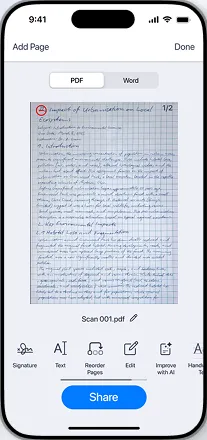
Camera Scan
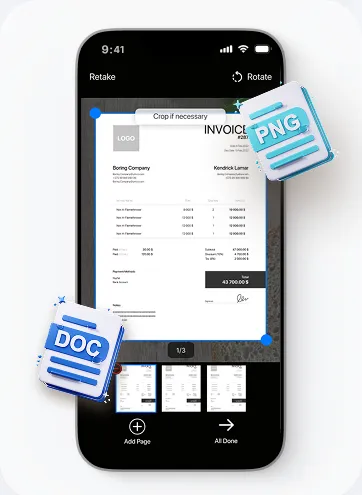
Point your camera at any document — receipts, contracts, IDs, notes. Auto-detect edges and capture a sharp, corrected scan instantly.

Every scan is read and indexed. Type a word from the middle of a contract and the page it sits on comes back — in 40+ languages.
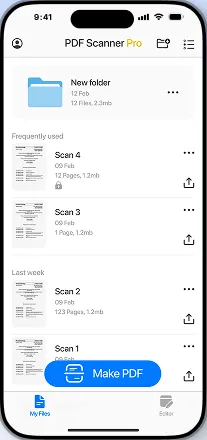
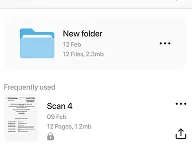
Folders, tags and dates. Set a rule once — receipts to Tax, payslips to Work — and new scans land in the right place on their own.
Sign it, merge it, shrink it under the upload limit, lock it before you send it. The jobs that send people hunting for a desktop app, done on the phone already in your hand.
Point your camera at any document — receipts, contracts, IDs, notes. Auto-detect edges and capture a sharp, corrected scan instantly.
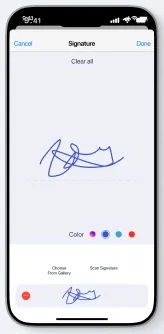
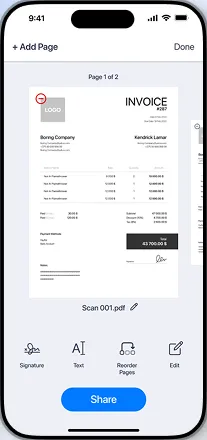
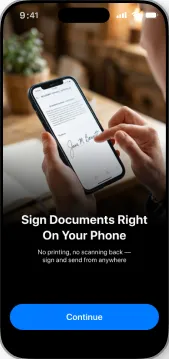
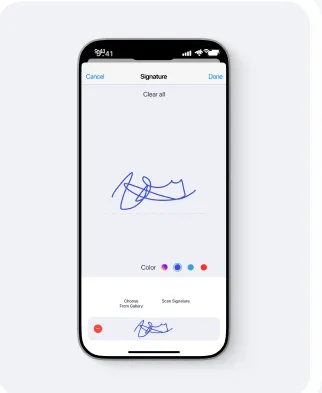
Draw a signature once and drop it onto any page. Fill the fields, date it, flatten it, and send the finished file without printing a thing.
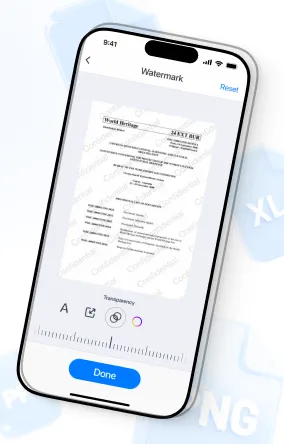
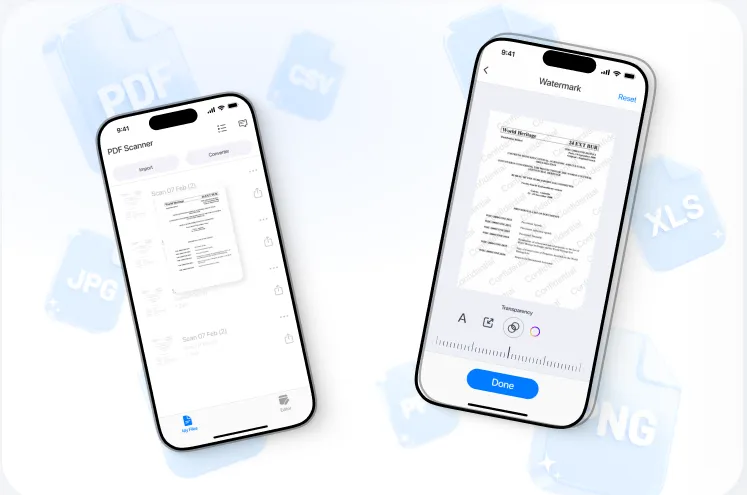
Stamp a watermark across a draft or lock a finished PDF with a password before it leaves your phone.
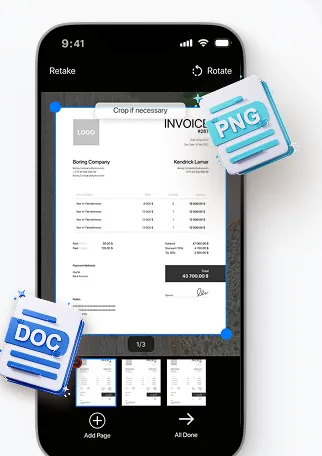
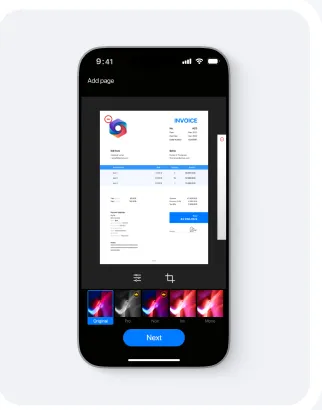
Drag pages into the right order, drop the blank ones, and merge a stack of scans into a single PDF.

Import photos from your gallery and convert them into clean, organized PDF files with one tap.

Import existing files from your device and merge them into a single PDF document.
Step 1
Any angle, any light, on a desk or in your lap. The frame snaps to the page and shoots when it's steady — you don't have to line anything up.
Step 2
It arrives already flattened and brightened. Nudge a corner if you want to; most of the time there's nothing to fix.
Step 3
Share straight to mail, chat or cloud. The file is named from the text on the page, so it isn't Scan_0043 six months from now.
I photographed eleven months of receipts in one evening. Searching for the plumber's invoice took four seconds, which is roughly eleven months faster than the shoebox.


The last scanner I used stamped its own logo across a signed contract I'd already emailed to a client. That was the end of that. This one just gives me the file.
Scanning and export are free and stay free. Pro is for the people who do this every day.
$0.00
no card required to start
Price and renewal terms are shown before payment. $9.99 is charged monthly while the subscription is active.
Point your camera at any document. The app automatically detects edges, corrects perspective, and enhances contrast to produce a crisp, readable PDF scan.
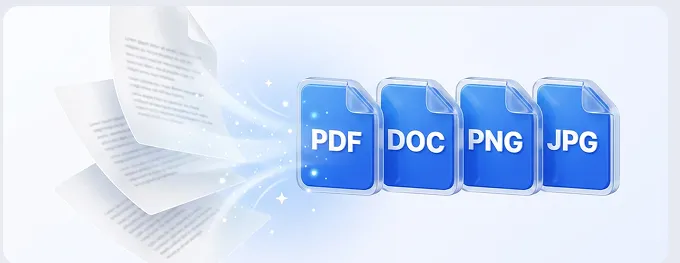
Export to PDF, DOC, PNG or JPG. On the way in, the app takes photos from your gallery, existing PDFs, and images from your cloud drive.
Yes. Scan as many pages as you need, drag them into the order you want, and merge the stack into a single PDF before you export it.
Scans live on your device and are encrypted in transit when you back them up. Nothing is shared with anyone, and a deleted document is gone from the backup too.
Open the cancel page, pick the store you subscribed through, and follow the two steps. No support call, no retention queue.
Into your own account and nowhere else. We never sell your documents and never train anything on them.